
We are reader supported. When you purchase through links on our site, we may earn an affiliate commission. Also, as an Amazon affiliate, we earn from qualifying purchases.
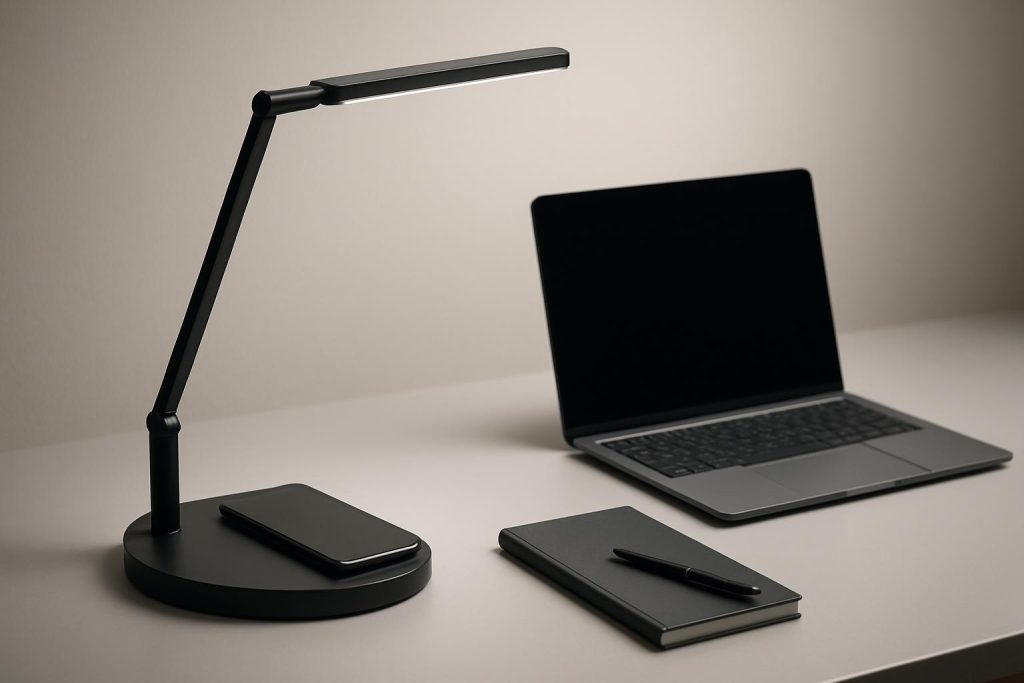
Wireless charging built into a desk lamp clears cable clutter and keeps your phone topped up while you work. The right lamp also improves focus, reduces eye fatigue, and frees space on a small desk. Below are four modern picks that balance reliable Qi wireless charging, clean design, and eye-friendly lighting. Before the reviews, a quick checklist to help you choose the right one for your setup.
What matters in a desk lamp with wireless charging in 2026
Charging first: speed, alignment, and cases
Most desk lamps with wireless charging deliver 7.5–10W to compatible phones. Alignment matters. The charging coil in your phone must sit over the coil in the base. Thick cases, metal plates, or ring grips can slow charging or stop it entirely. For consistent results, keep the charging area clear of metal, remove very thick or magnetic accessories, and place the phone squarely on the pad.
Power adapters also influence speed. Many lamps include a power adapter tuned for the lamp and its charging pad. Use that first. If a lamp accepts higher input and supports faster wireless output, pairing it with a capable wall adapter can help. If you notice heat or unstable charging, step back to the included adapter.
Eye comfort and brightness controls
Look for a wide brightness range, multiple color temperatures, and stable, flicker-free light. For most desks, 400–800 lumens is comfortable with adjustable head and arm angles. Neutral to cool whites around 4000–5000K help with focus. Warmer 2700–3000K is better for evening wind-down. A memory function that recalls your last setting saves time day to day.
Adjustability and footprint
A foldable arm, rotating head, and a lamp height that clears your monitors make a difference. The base should be heavy enough to prevent wobble but not so large it eats your workspace. If you use a compact desk or share space with a keyboard tray, a smaller base or a taller, slimmer design helps.
Controls and extras that matter
Touch controls keep dust out and look clean. A 30–60 minute auto-off timer prevents accidental all-night operation. A secondary USB port on the lamp is useful for earbuds or a second device. Cable routing under the base helps if you like a tidy, minimal look.
4 best desk lamps with wireless charging
AFROG LED Desk Lamp with 10W Fast Wireless Charger
This is a strong all-rounder that balances price, brightness control, and a fast wireless charging pad. The head pivots to spread light evenly across a laptop and notebook, and the touch panel makes quick work of switching between work and wind-down. The charging pad supports Qi-compatible phones and keeps the base clean from cables.
I think the value is excellent if you want a practical daily-use lamp without overpaying for niche features. The 5 color modes and 5 brightness levels cover morning to late-night sessions. A 40-minute timer is handy for short breaks or to prevent leaving the lamp on.
Why it helps: Wide dimming range and color options for different tasks. A 10W-rated pad means fewer charging interruptions when you place your phone correctly.
Best for: Students, remote workers, and anyone who wants a simple, dependable lamp that gets the fundamentals right.
Potential downsides: The base’s charging pad requires careful placement for the best speed. The glossy surface can show dust and fingerprints. If you like very warm light at night, the warmest setting may still feel slightly neutral.
Setup tip: Angle the head slightly away from your monitor to reduce reflections on glossy screens. Align the phone toward the center of the pad and wait a second for the charging indicator on your phone before letting go.
Mchatte LED Desk Lamp with Wireless Charging
Mchatte’s lamp focuses on eye comfort with smooth, flicker-free light and a steady arm that stays where you set it. The wireless charger is integrated into a stable base, and there is usually an extra USB port for a second device. The 5 color temperatures and 5 brightness levels cover bright task lighting and soft late-night reading.
I think its head design is great for minimizing hot spots on paper and harsh reflections on glossy desks. The auto-off timer gives peace of mind when stepping away. The build feels slightly more solid than many budget lamps, which helps if you adjust the position multiple times a day.
Why it helps: Balanced light spread makes long typing or reading sessions easier on the eyes. Wireless charging and a bonus USB port simplify your charging setup.
Best for: Everyday home offices and small desks where a stable base and tidy charging matter.
Potential downsides: The base is not the smallest, so measure if your desk is narrow. The charging pad alignment can be picky with thick cases. If you need a super bright beam for large drafting tables, you may want a larger head.
Setup tip: Keep the arm high enough that the beam covers your keyboard without casting a hard shadow from your hands. If your phone has a camera bump, place it slightly offset to find the coil sweet spot.
Dott Arts LED Desk Lamp with Wireless Charger
This is a compact, budget-friendly option that still brings useful features. Expect a simple touch panel, a foldable design for storage, and a wireless charging pad that keeps your main cable in a drawer. Many versions offer 3 color modes and 5 brightness levels, enough for basic tasks and evening reading.
I think it hits a sweet spot for small apartments, dorms, and side tables. The head is easy to angle, and the light is soft enough for low-light rooms without being harsh. The pad charging speed is typical for Qi and works best with standard phone cases.
Why it helps: Small footprint, easy controls, and reliable day-to-day charging without taking over your desk.
Best for: Minimal setups, nightstands, and shared spaces where you want a tidy light that folds away.
Potential downsides: Fewer color modes than premium lamps. The hinge may need a gentle touch to avoid loosening over time. Wireless charging is steady but not the fastest if you use thick cases or place the phone off-center.
Setup tip: If you mainly read on paper, set the color temperature to neutral or warm and keep the head roughly 12–16 inches above the surface for even coverage.
OttLite Emerge LED Desk Lamp with Wireless Charging
OttLite is known for eye comfort, and the Emerge series adds a built-in Qi pad and a clean, modern look. The light quality is consistent across brightness steps, and the arm adjusts smoothly without wobble. A color-changing accent base on some versions can act as a soft night light without using the main beam.
I think the biggest win is the comfortable, low-glare beam that stays even as you dim. If you work long hours or switch between screen work and paper, the quality of light is noticeable. The Qi pad is stable and the controls are responsive.
Why it helps: Eye-friendly illumination with practical wireless charging in the base. The design suits both work desks and living spaces.
Best for: Long work sessions, crafters, and anyone sensitive to harsh light.
Potential downsides: The base is larger than budget models, so plan your layout. The accent light is decorative and not essential for everyone. Charging speed depends on good placement and a proper power adapter.
Setup tip: If you use dual monitors, set the lamp slightly to the side and angle the head downward to avoid screen reflections. Use warmer settings after sunset to reduce visual fatigue.
Quick comparison by use case
Best overall balance: AFROG LED Desk Lamp with 10W Fast Wireless Charger
Best for eye comfort and longer sessions: OttLite Emerge LED Desk Lamp with Wireless Charging
Best for small spaces and budgets: Dott Arts LED Desk Lamp with Wireless Charger
Best for stable arm and tidy charging extras: Mchatte LED Desk Lamp with Wireless Charging
Setup tips for safer, cleaner charging
Dial in phone placement
Place your phone centered on the pad and hold it for a second to confirm charging starts. If the case is thick, rotate or slide slightly until the indicator shows it is charging.
Keep the pad clear
Remove keys, coins, or metal accessories from the base. Metal blocks charging and can cause heat buildup.
Use the right adapter
Start with the included power adapter. If you switch adapters, use one that matches the lamp’s input rating to avoid underpowered charging.
Angle to avoid glare
For screens, angle the head down and away from the display. For paper, set a shallow angle across the page to reduce hard shadows from your writing hand.
Maintain the surface
Dust and oils can reduce friction on the pad and make alignment harder. Wipe the base with a soft, dry cloth weekly.
Conclusion
Choosing a desk lamp with wireless charging is about more than spec sheets. Stable light, simple controls, and a pad that works without fuss matter daily. AFROG gives the best balance for most people. Mchatte adds a steadier arm and a clean charging layout. Dott Arts keeps costs low without losing key features. OttLite Emerge focuses on eye comfort for long sessions. Pick based on your desk size, how sensitive your eyes are to glare, and how often you adjust the arm. Set it up once, align the phone reliably, and enjoy a calmer, cleaner workspace.
FAQ
Q: How fast do these wireless charging pads charge a phone?
A: Most pads on these lamps deliver around 7.5–10W. Speed depends on coil alignment, your phone case, and the power adapter you use.
Q: Do thick or magnetic cases affect charging?
A: Yes. Thick cases, metal plates, and ring grips can slow or stop charging. Remove them or align more carefully.
Q: What color temperature should I use for work versus evening?
A: Use neutral to cool white around 4000–5000K for focused work. Switch to 2700–3000K in the evening to reduce visual fatigue.
Q: How can I avoid screen glare from the lamp?
A: Place the lamp to the side of your monitor, angle the head downward, and avoid pointing the beam directly at the screen.
Q: What should I try if my phone is not charging on the pad?
A: Recenter the phone over the pad, remove thick or magnetic accessories, and use the included power adapter to stabilize charging.